Shopify Markets pricing and currency conversion: automatic vs manual, fees and what to watch out for
By Joe Tuckwell
20th August 2026


International pricing is one of the trickiest parts of expanding a Shopify store. Merchants want stable, predictable market-specific prices, but automatic currency conversion moves with an exchange rate that fluctuates every day.
That can create unexpected price swings, put pressure on margins and give customers an inconsistent experience. This guide breaks down how Shopify Markets handles currency automatically, when to switch to fixed market‑specific pricing, how rounding rules work, and the fees you need to factor into your international pricing strategy.
By the end, you’ll have a clear sense of which approach fits your brand, your products and your customers.
How Shopify Markets handles currency by default
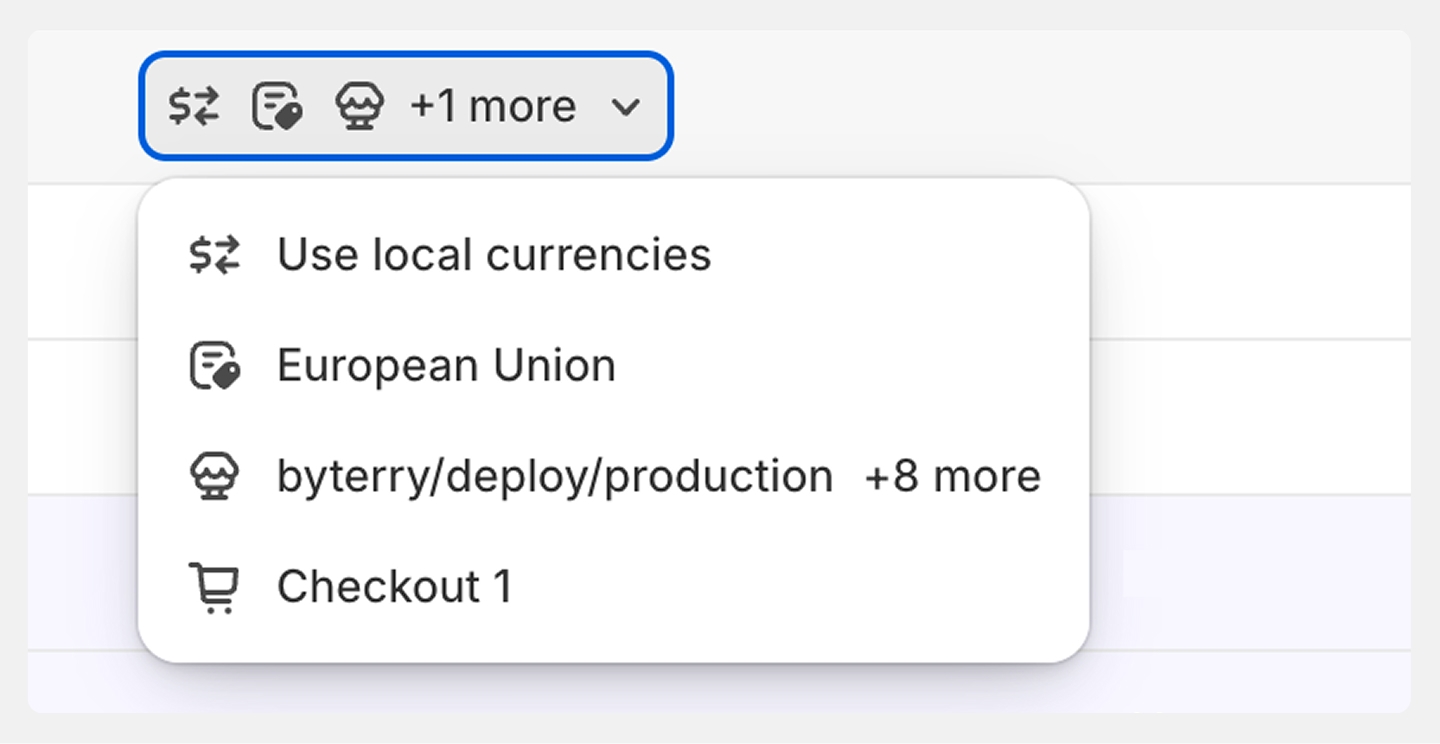
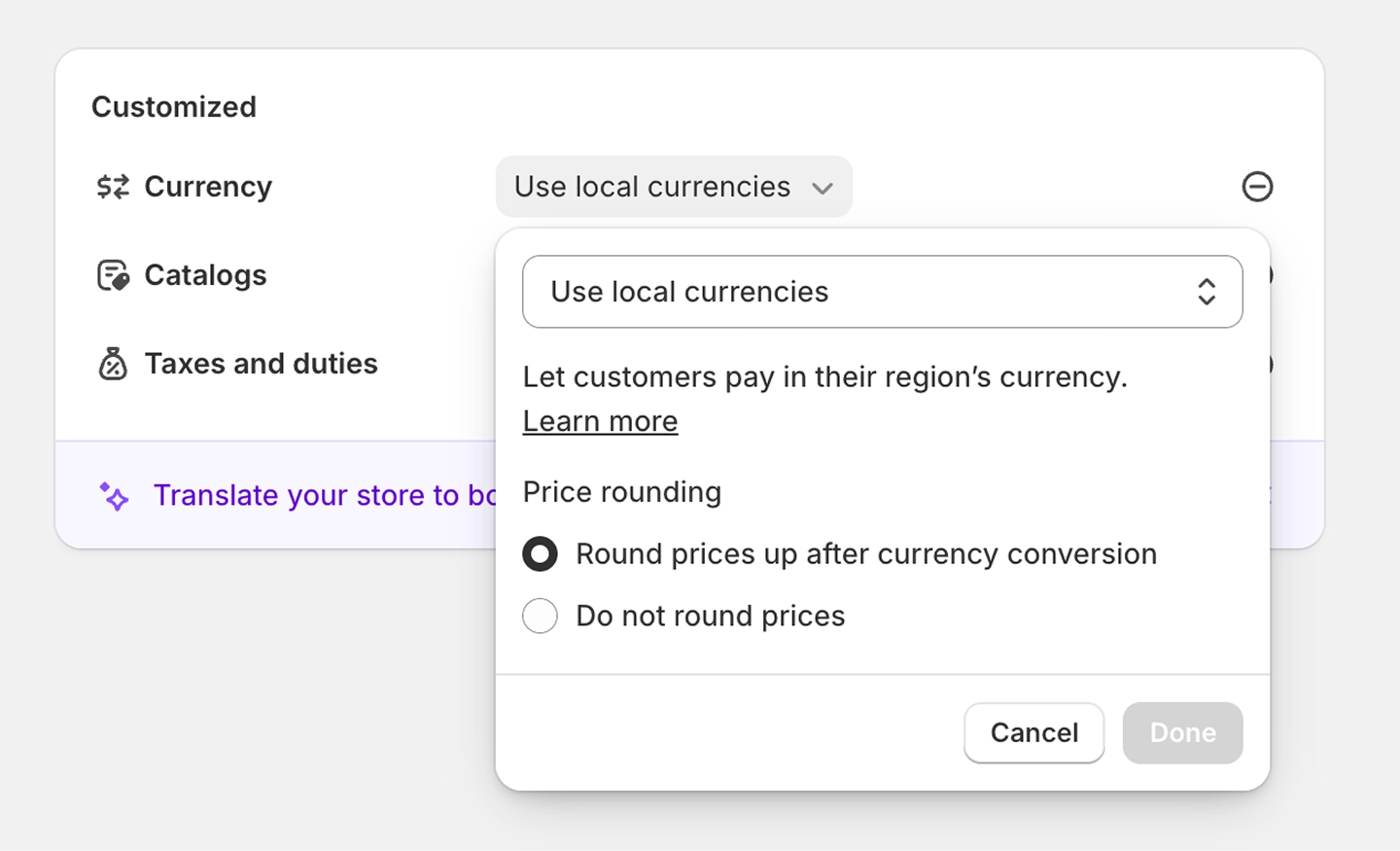
Unless you decide to set prices manually, Shopify Markets uses real‑time exchange rates to convert your base currency (for most UK merchants, GBP) into the customer’s local currency. Prices update automatically as exchange rates move. It’s simple, low‑maintenance and ideal for early‑stage international selling where you want to test demand using price localisation without committing to a full pricing strategy.
But there’s a catch. Automatic conversion can create odd‑looking numbers, such as €19.73 or $42.18, which feel unpolished or even untrustworthy. They can also become uncompetitive overnight. A product that feels premium but fairly priced in one market may suddenly look overpriced the next day if the exchange rate moves sharply.
For brands that care about consistency, this can be a problem, especially if you’re running paid campaigns or working with influencers who expect stable pricing.
Automatic conversion is a great starting point, but it’s rarely the long‑term solution for brands scaling internationally. If you want a deeper overview of the full setup, see our guide on how Shopify Markets works.
Setting fixed market‑specific prices in Shopify
If you’d prefer full control, Shopify lets you set manual price overrides. That means you can fix EUR, USD or other currency prices per product, per market. These prices stay stable regardless of exchange rate movement, giving you predictable margins and a cleaner customer experience.
This approach is ideal when:
- You’re selling in price‑sensitive markets where even small fluctuations affect conversion.
- You want to match local competition, for example pricing at €49 in Germany rather than letting automatic conversion push you to €58.
- You’re running market‑specific promotions or want to position your product differently in each region.
- You want to avoid awkward price endings that make your brand look automated rather than carefully planned.
Manual overrides take more time to maintain, but they give you the ability to shape your pricing strategy market by market. For brands with strong positioning or premium products, this control is often essential. For a full walkthrough of the setup process, see our guide to setting fixed prices per market.
Rounding rules and price presentation
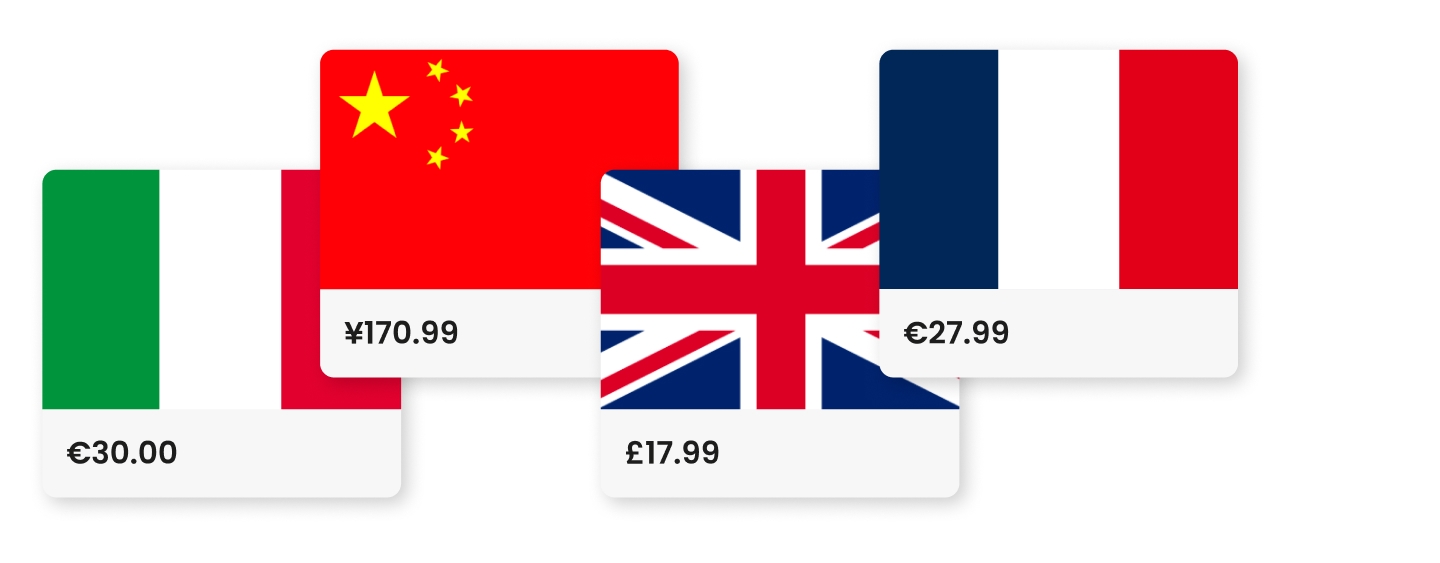
An often-overlooked feature of Shopify Markets is rounding rules. These let you control how converted prices appear, such as rounding to €19.99 instead of €19.73.
You can round to widely understood prices including the nearest whole number, .99 endings and .95 endings, or any custom rule that fits your brand.
It matters because price presentation is a trust signal. Odd, overly precise prices make customers think twice about the credibility of a site, which can reduce conversion rates in international markets. Clean, consistent pricing helps customers feel confident they’re paying a fair local price, not a direct exchange‑rate calculation that can seem arbitrary.
Rounding rules also help maintain brand consistency. If your UK store uses .99 endings, your EU and US stores should too. Shopify lets you configure rounding rules at the market level, ensuring every converted price is aligned with your brand identity.
Currency conversion fees: what Shopify charges
When you sell in a currency different from your base currency, Shopify Payments applies a currency conversion fee. This is typically around 1.5% on standard plans in the UK, with lower rates on higher tiers.
A few things to keep in mind:
- This fee is separate from Shopify’s transaction fee.
- If you use a third‑party payment gateway they may apply their own conversion fees on top.
- These fees directly affect your international margins, especially if you’re using fixed prices.
- If you’re selling high‑volume or low‑margin products, even small percentage fees can add up quickly.
It’s worth modelling your margins per market before you commit to fixed pricing. If you’re planning a rollout across several currencies, our guide to selling in multiple currencies covers the operational side in more detail.
How market pricing appears in Google search results
When Shopify Markets is configured correctly, your local currency pricing is passed to Google via structured data pricing. This means your product listings can appear in search results and Google Shopping with the correct local price for each market.
Local pricing in search results makes a real difference to how customers engage with your brand. Seeing familiar currency symbols builds instant trust and lifts click-through rates, while also helping Google understand and correctly index your international product catalogue. It removes the small but meaningful friction customers feel when they have to convert prices themselves, and it keeps your paid campaigns consistent by ensuring the price in your ads matches the price on your product pages.
Together, these details create a smoother, more confident path into each market. You can validate your structured data using Google’s Rich Results Test. If you’re working on broader SEO improvements, see our guide on Shopify structured data and product schema.
Common pricing mistakes to avoid
International pricing looks straightforward on paper, but in practice it’s full of small decisions that quietly shape how customers perceive your brand.
The mechanics of Shopify Markets make it easy to expand quickly, but the details – how prices are converted, rounded, displayed and maintained – can have a big impact on competitiveness and margin. Over time, we’ve seen the same issues crop up for merchants of every size, and they’re all avoidable with a little attention.
Here are a few pitfalls we see regularly:
- Relying on automatic conversion without rounding rules, leading to messy price endings.
- Not checking how prices appear in each target market, especially on mobile.
- Ignoring local price expectations. A UK £49 product may need to be €49, not €58, to stay competitive in Germany.
- Forgetting to factor in conversion fees, which can quietly erode margins.
- Setting fixed prices once and never revisiting them. International pricing is dynamic and should be reviewed quarterly.
International pricing is never ‘set and forget’. The brands that thrive are the ones that treat pricing as a living part of their strategy, not just another setting in the dashboard.
A quick recap before you go
By now you should have a clearer sense of how Shopify handles international pricing, but it’s worth finishing with a few of the questions we hear most often from merchants.
Does Shopify automatically convert prices to local currencies?
Yes. By default, Shopify Markets uses real‑time exchange rates to display prices in each market’s local currency. You can override this with fixed market‑specific prices if you prefer stable, predictable pricing.
How much does Shopify charge for currency conversion?
Shopify Payments charges a currency conversion fee on international transactions. The rate varies by plan, typically it’s around 1.5% on standard plans. This is separate from Shopify’s transaction fee.
Can I set different prices for different countries on Shopify?
Yes. Shopify Markets allows you to set manual price overrides per market, per product, independent of your base currency and the current exchange rate.
Will local prices show in Google search results?
When Shopify Markets is correctly configured, local currency pricing data is passed to Google via structured data, allowing local prices to appear in search results and Google Shopping listings.